Use Figma as the Napkin, Not the Finish Line
AI can generate a screen, but production-minded design starts when the work moves into coded systems, scenario data, review paths, and pull requests.
Reusable artifact
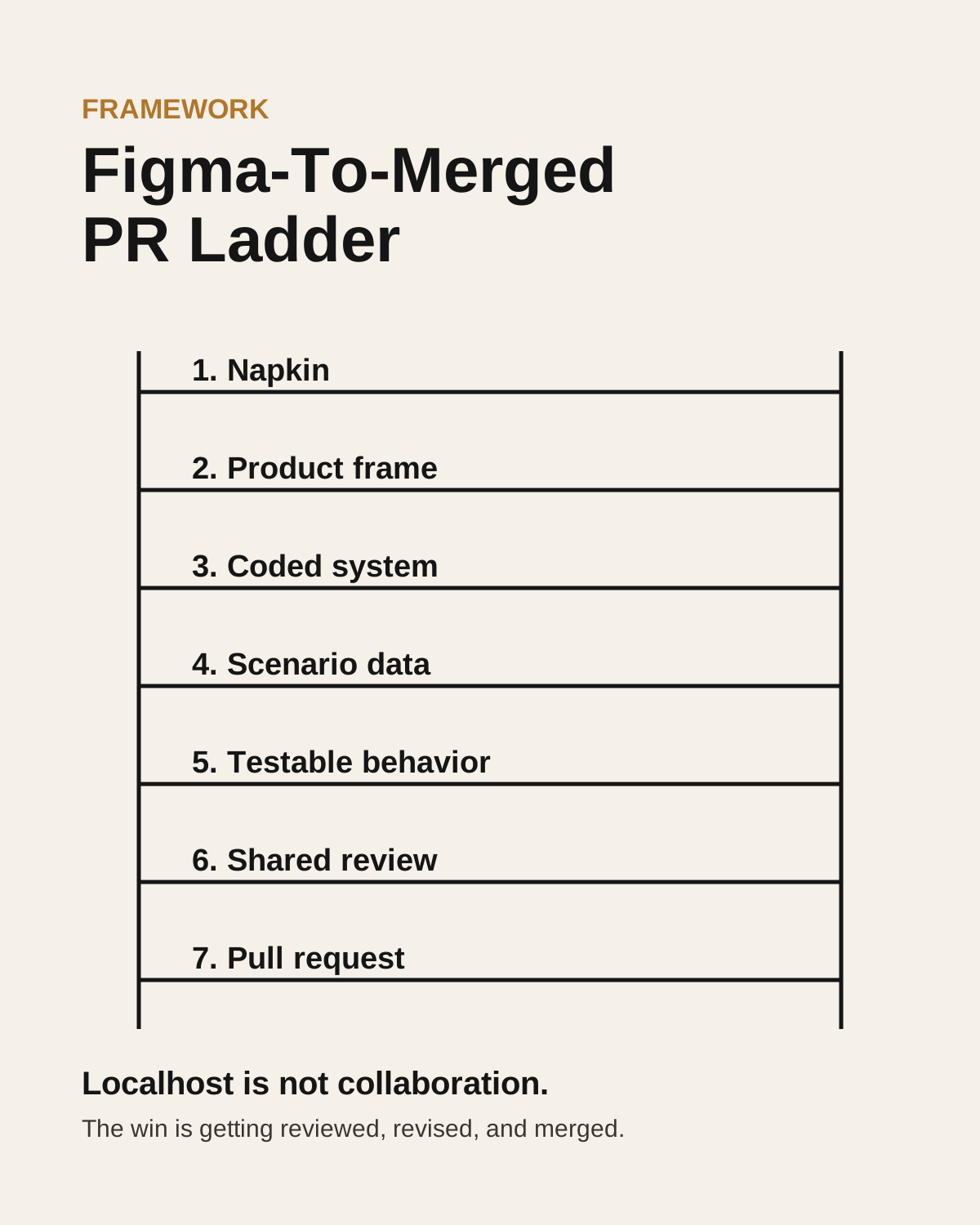
Figma-To-Merged PR Ladder
- 01Napkin: use Figma to get the idea out, then name the user, workflow, and decision the screen supports.
- 02Product frame: write the experiment sentence before asking AI to build anything.
- 03Coded system: rebuild with the actual design-system package, imports, tokens, and component APIs.
- 04Scenario data: model first-time, returning, empty, loading, permission, error, and edge-case states with JSON.
- 05Shared review: move from localhost to a visible preview, specific engineering questions, review, revision, and a pull request.
Implement fast
- Take one Figma screen and write the experiment sentence it is supposed to prove.
- Ask AI to inspect the available design-system components before coding.
- Add JSON scenarios for at least three states.
- Ask for the design-system receipt: imports, components, tokens, states, and overrides.
The truth is in the imports, not the screenshot.
AI design tools are getting better at producing screens that look ready. That is useful. It is also where teams can fool themselves. A screen can resemble a design system without actually using the coded design system. It can have the right visual language while bypassing the package, recreating tokens locally, missing states, or adding overrides that make the next engineering step heavier.
That is why I do not treat Figma-to-code output as the finish line. I treat it as a stronger napkin sketch. The work becomes more valuable when it moves toward the system where the product actually lives: coded components, data states, tests, shared review, and eventually a pull request.
A screen is not a system.
Figma, Sketch, Photoshop, and now AI-assisted UI tools all help designers express ideas. The tool changes, but the deeper job does not. The designer still has to understand what the work is supposed to become. Who is it for? What behavior should change? What workflow does it alter? What should the user trust? What should the team measure?
Across product, UX, enterprise systems, design systems, and AI workflows, I have seen the same pattern: polished artifacts are not enough. The people who create leverage understand how an artifact becomes a decision, how a decision becomes a system, and how a system becomes trusted behavior.
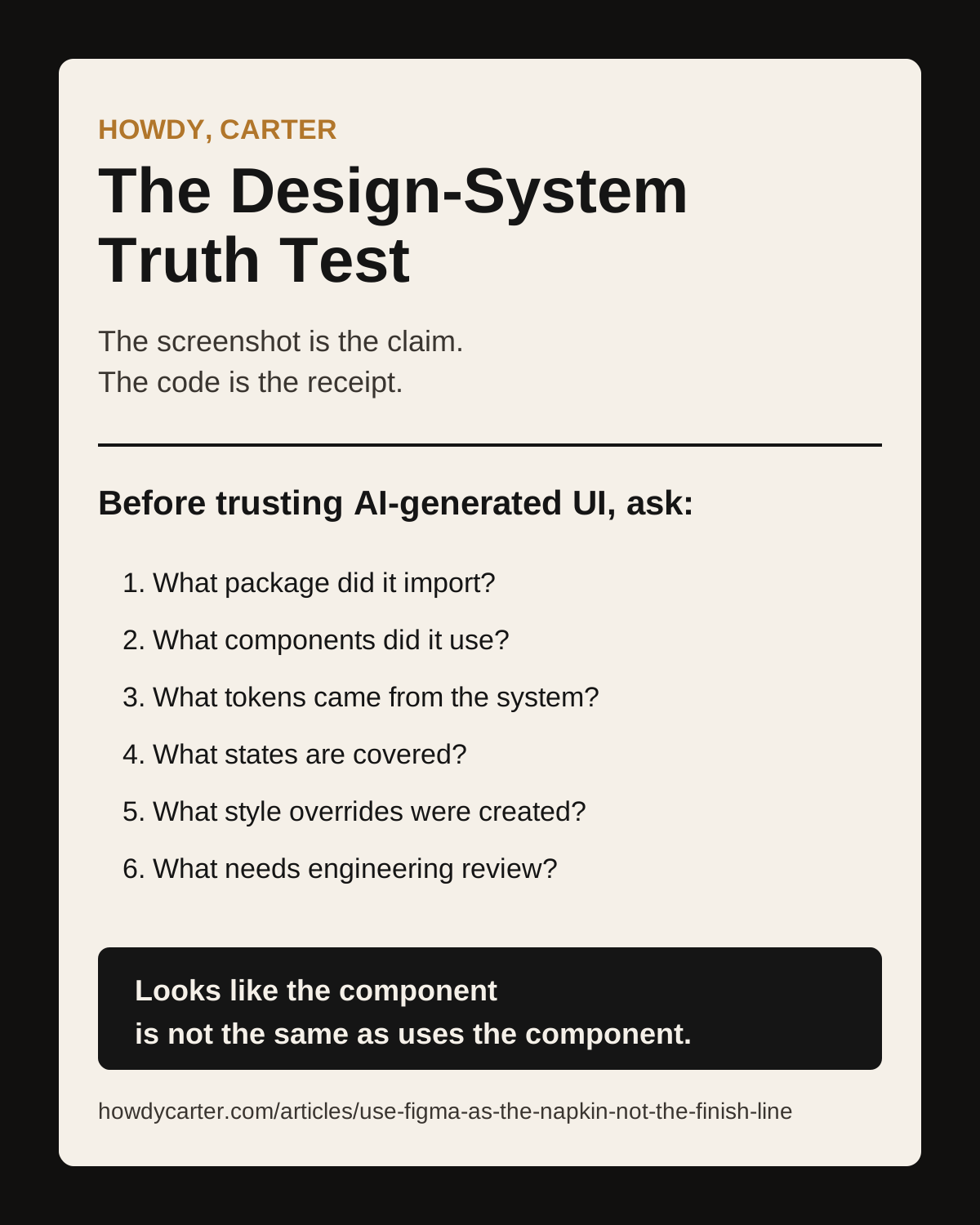
Use the design-system receipt.
Before trusting an AI-generated UI, ask for the receipt. Which package did it import? Which components did it use? Which tokens came from the system? Which states are covered? Which style overrides were created? Which assumptions need engineering review?
That review moves the conversation from taste to evidence. The screenshot shows the claim. The imports, props, states, and tests show whether the work is moving toward the actual product system.
Production-minded AI coding starts with the experiment.
Vibe coding starts with the prompt. Production-minded AI coding starts with the experiment. Before asking for a dashboard, write the sentence: We believe that by building this thing for this user so they can do this job, we will improve this signal. We will know it worked when we see this evidence.
That frame changes the output. It gives AI something better than a vague request. It gives the team a way to decide whether the prototype deserves more investment, limited exposure, or deletion.
Steal the prompt pack.
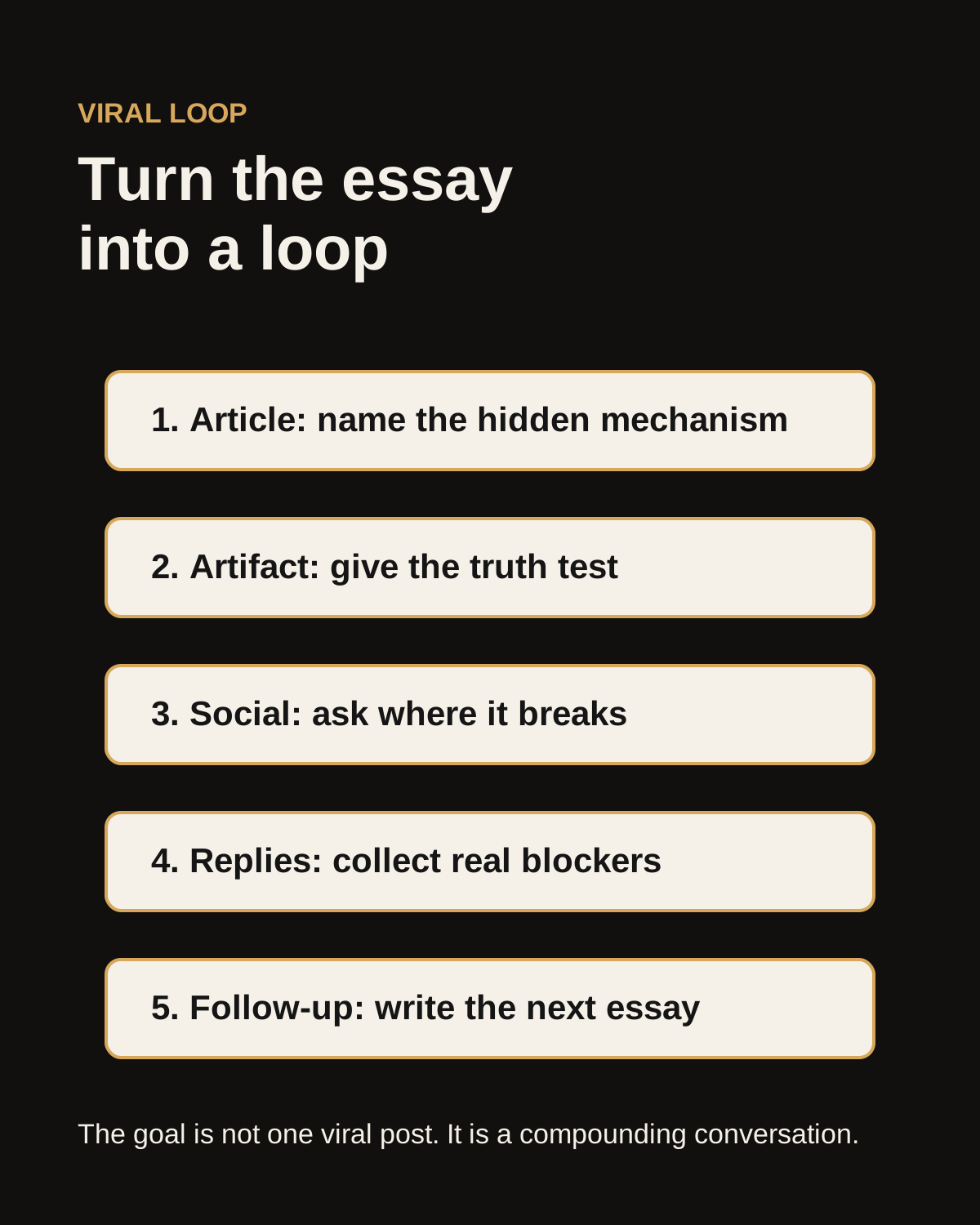
A useful framework should give people a tool they can apply before the idea cools off. The prompt pack for this essay starts with PRD before prompting, then moves into the Design-System Truth Test, component-by-component building, localhost-to-review planning, and AI reviewer model council feedback.
The recurring move is simple: ask AI to produce the receipt. The receipt names the imports, components, tokens, states, assumptions, gaps, and smallest next PR. That turns an impressive screen into something a team can inspect.
Localhost is not collaboration.
A prototype that only runs on your machine is a milestone, not a shared product artifact. The next rung is visibility: an internal preview, server, Confluence embed, or whatever your company allows. Work inside the rules. Use approved tools. Learn the repo standards. Find the onboarding docs. Ask better questions after doing the discovery.
The best engineering conversation is not, Can you make my design real? It is: here is what I found, here is what I built, here is where I think I may be off, and here is the component or standard I need help confirming.
The win is getting merged.
Not every designer needs to ship production code every week. But every designer working with AI should understand the path from local prototype to reviewed change. Create a small pull request. Ask for review. Use AI reviewers as a model council when appropriate. Read the comments. Revise. Learn why the standard exists.
This is not about turning every designer into an engineer. It is about becoming a more useful collaborator inside the systems where the product actually lives. AI makes prototypes cheaper. It does not make judgment cheaper.
Social carousel
The shareable artifact